A Comprehensive Guide to the Best DFIR Tools
- Views: 697


Have you ever come across a case of digital crime and been nervous about where you should look for evidence of a cyberattack on a computer, phone, or server?
For this reason, you need some clever DFIR tools to help you scan through a lot of data and identify some solid information. These tools serve to direct your research in the proper way.
Digital Forensics and Incident Response tools are crucial to cybersecurity. The use of DFIR systems facilitates the prompt investigation, response, and recovery of specialists following a security breach or cyber assault.
The digital forensics market was valued at $14,073.6 million in 2024 and is expected to grow to $37,561.1 million by 2034. The main reasons for this growth are the advanced nature of cyber threats and the rising popularity of digital evidence.
We will explore the best DFIR tools so you can choose the right one for your needs.
What is Digital Forensics and Incident Response (DFIR) & Why is it Important?
DFIR has two approaches for dealing with cyber risks. DF stands for digital forensics, and IR is for incident response. It mimics two detectives working on the same case.
In Digital forensics, we collect and analyze evidence from digital sources. This data then helps to understand how a security incident occurred. It can also show who was involved in the attack and what data was compromised.
The steps involved in incident response are identifying the crime site, acting quickly to recover the scene, putting an end to the crime, or limiting damage as much as possible.
How DFIR Tools Help in Investigation?
In helping in the investigation and submission of evidence, DFIR is well-equipped with several tools. These instruments can be useful for the following tasks:
- Evidence Collection: At the crime scene, DFIR tools help you copy digital evidence from computers, servers, and phones.
- Analysis of Evidence: To identify any hints of questionable content, links, or files, investigators carefully review the evidence using DFIR tools.
- Evidence Preservation: These tools help to produce forensic copies of evidence that are undamaged for use in court.
- Summary of Evidence: These tools are capable of producing a detailed report or a brief summary of the case containing the evidence.
Importance of DFIR Tools
You can improve your digital defense by using DFIR tools and methods appropriately. Additionally, it makes it possible to react to cyber threats confidently and fully prepared. DFIR tools have importance due to their role in:
- DFIR helps identify potential breaches of private information. It will show you the methods used by the attackers and the data that they have access to.
- Digital forensics may help retrieve lost information, track any questionable activities, and provide you with sufficient proof to present in court.
- Incident response will take action, contributing to minimizing the amount of harm and preventing more data theft.
- After conducting a thorough investigation of a cyberattack, DFIR assists you in strengthening your defenses against future attacks of the same nature.
5 Best DFIR Tools
Tons of digital forensics and incident response (DFIR) tools are available in the market. Each tool has their own strengths and weaknesses. Hence, choosing the right tool as per your business needs makes all the difference.

Here are five of the most reliable and widely used DFIR tools that professionals use for efficient investigations.
1. Cortex
Cortex is a flexible DFIR tool that makes your investigation transparent and easy. Cortex offers a single platform to explore web domains, encryption keys, URLs, IP addresses, email addresses, files, and more.
It is easy to use as opposed to many other tools which provide several programs for different kinds of data. Even people who are not familiar with DFIR may easily study and assess data thanks to its accessible interface.
Advanced users may automate tasks and integrate Cortex with different services using a REST API.
On top of that, its ability to identify threats and obtain more detailed information can be enhanced by its connection with more than 40 third-party analyzers, such as VirusTotal.
Pros:
- Easy to use, even for those with limited DFIR experience.
- Single platform for analyzing multiple data types.
- Supports task automation and integration with other services via REST API.
- Enhanced threat detection through integration with third-party analyzers.
Cons:
- May not offer the depth of analysis needed for highly complex cases.
- Some advanced features might require additional setup and configuration.
- Potentially less customizable than other tools depending on the user’s needs.
2. BelkaSoft
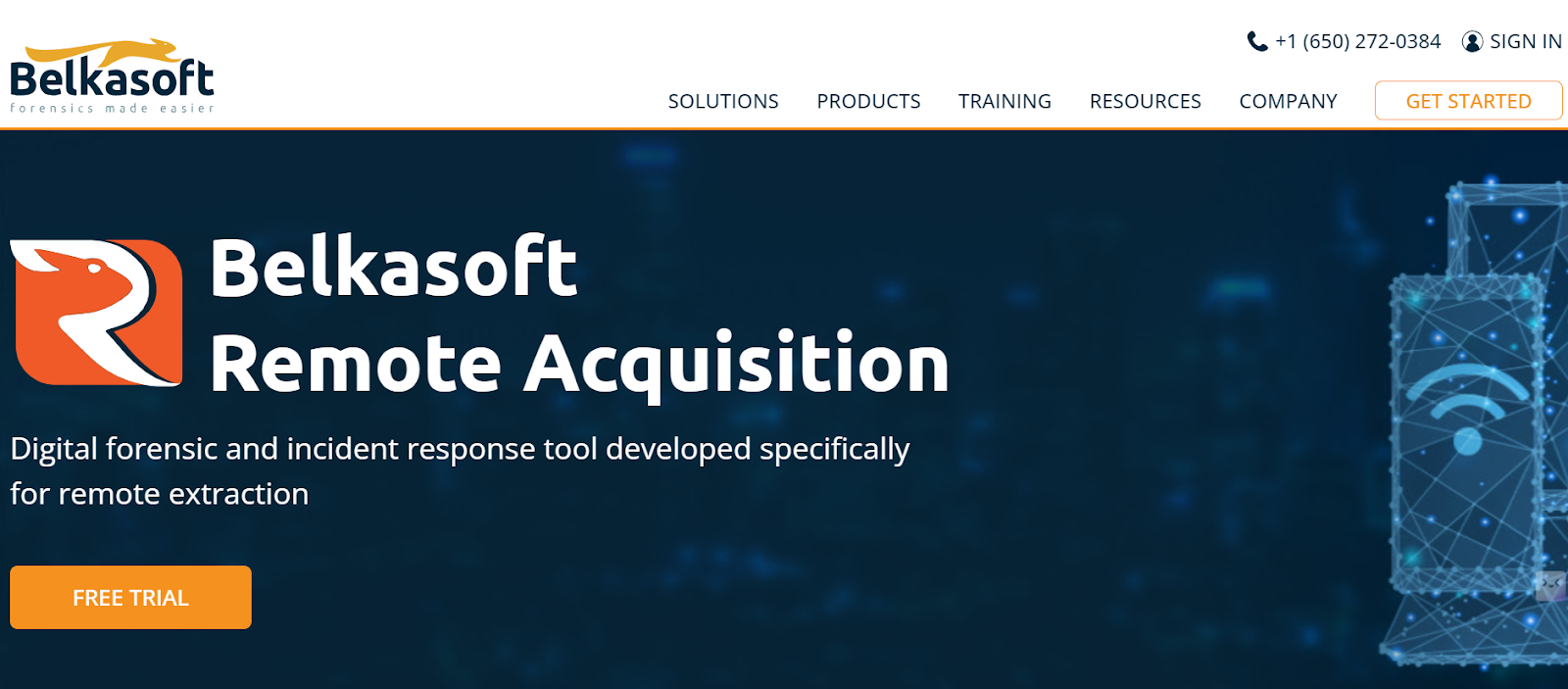
An effective tool for remote data collecting is Belkasoft Remote collecting (Belkasoft R). It can retrieve information from mobile devices, hard disks, RAM, and even certain types of files.
Belkasoft R is simple to use and deploy, and it works with a wide range of network layouts and operating systems. It gives you the ability to schedule your network bandwidth according to your convenience and obtain data from devices spread across different regions.
For large networks, Belkasoft R is perfect since it can divide up endpoints into groups and categories.
Pros:
- Easy to use, even for beginners.
- Can analyze data from computers, mobile devices, and cloud services.
- Handles large datasets quickly and effectively.
- Offers detailed insights into various data types.
- The tool is frequently updated to support new devices and data formats.
Cons:
- It is a commercial product, so it requires purchasing a license.
- Requires significant system resources to run efficiently.
- Does not integrate as easily with open-source tools as some other forensic tools.
3. SANS
Digital forensics investigators can perform in-depth investigations with the help of the freely accessible, potent and, flexible SANS Investigative Forensics toolset (SIFT). Investigators can effectively examine and protect digital evidence with SIFT’s all-inclusive tool and technology suite.
The tools are also updated and supported by a strong community of experts. This makes them reliable and efficient in various investigation scenarios.
Pros:
- It’s open-source and free, so anyone may use it.
- An all-inclusive toolkit is suitable for many forensic applications.
- Frequent updates to preserve security and relevancy.
- Powerful resources and support from the community.
- Compatible with a range of evidence sources.
Cons:
- For anyone unfamiliar with digital forensics, there can be a learning process.
- Certain tools could be less functional than their commercial equivalents.
- The volume of the evaluated data may have an impact on performance.
4. The Sleuth Kit
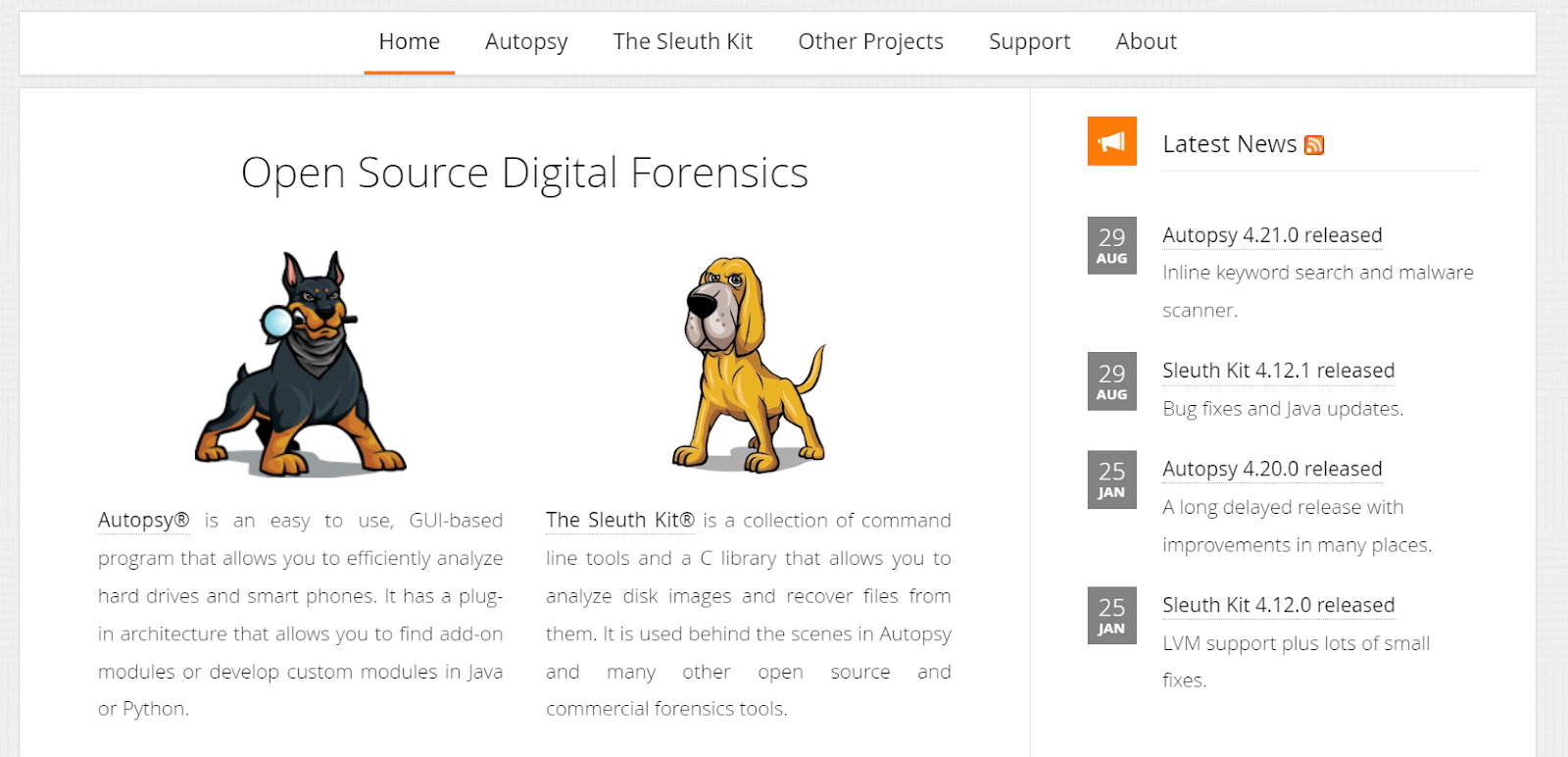
The Sleuth Kit (TSK) is a powerful open-source digital forensics toolset. It is mostly used for analyzing disk images and recovering evidence from files that are deleted or damaged. It supports a wide range of file systems, such as FAT, NTFS, and EXT. This capability makes Sleuth Kit a versatile choice for investigators.
The toolset is a collection of command-line tools. These tools can examine files, directories, and volumes on a disk image to help users piece together important data in an investigation.
Pros:
- Strong and adaptable for a variety of forensic applications.
- It is openly circulated and publicly accessible, so anybody may use it.
- It lays the groundwork for creating unique tools and apps.
- Well recorded and backed by a strong community.
Cons:
- Needs command-line expertise and technical understanding.
- Possibly more difficult to master than GUI-based tools.
- Performance might be impacted by the volume of data that needs to be examined.
5. DFIR ORC
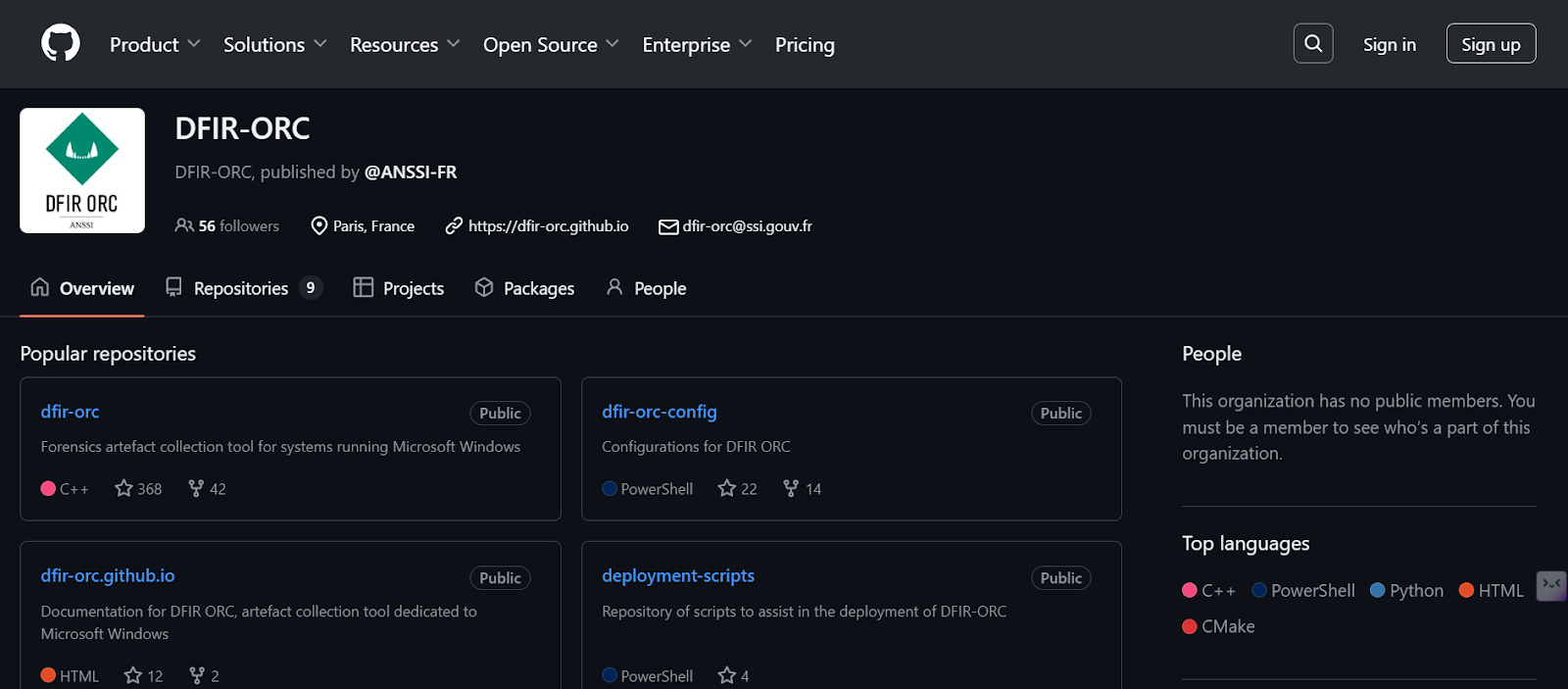
The freely downloadable DFIR ORC (Outil de Recherche de Compromission) framework helps emergency personnel gather relevant forensic evidence from extensive Microsoft Windows settings.
DFIR ORC, created by the French cybersecurity organization ANSSI, provides a scalable and trustworthy method for obtaining significant records without modifying the original evidence.
Pros:
- Effectively manages large-scale installations.
- Keeps evidence intact and guarantees data integrity.
- Reduces the effect on systems used in manufacturing.
- Permits integration with external tools and customization.
- Open to the security community’s usage and contribution without charge.
Cons:
- Those unfamiliar with the tool may face a learning curve.
- It requires a thorough setup in order to guarantee the best possible performance and data gathering.
- Does not offer in-depth analysis.
Final Words
DFIR tools are essential in the field of cybersecurity to protect businesses against online attacks.
You can pick the best DFIR technology for your business by carefully assessing your specific needs while keeping into consideration factors like data sources, deployment choices, data integrity, and automation capabilities.

You Might Like